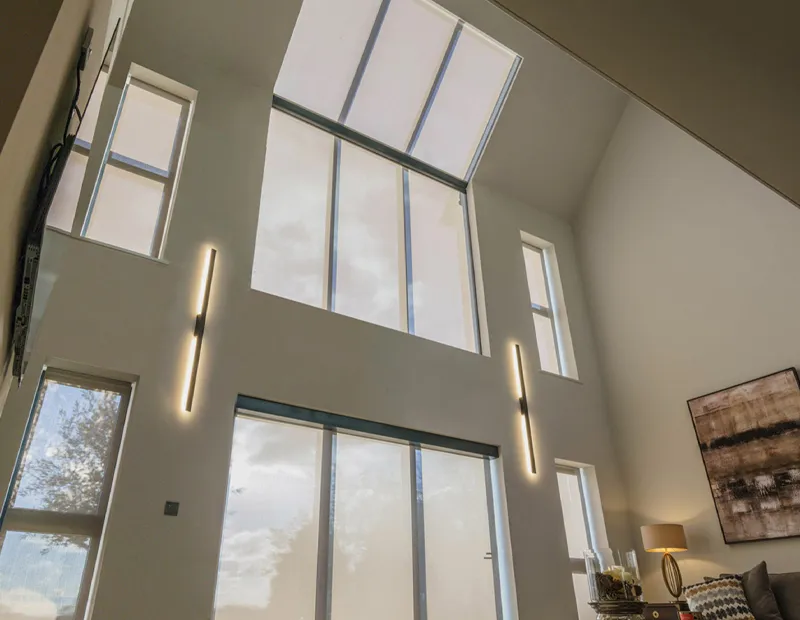
Blindspace Resources
Product sheets, installation instructions, technical drawings, and product configurators.
Everything you need to specify and order Blindspace.
Everything you need to specify and order Blindspace.
1 Get information
Product & Installation Guides
Start with the full Blindspace product reference guide.
For a specific product family, download the S-Series, C-Series, or TrackTrim technical asset bundle.
For a specific product family, download the S-Series, C-Series, or TrackTrim technical asset bundle.
Full reference
Blindspace Reference Guide
The complete Blindspace overview. All three product families, configuration options, install guidance, and technical specifications in one document.
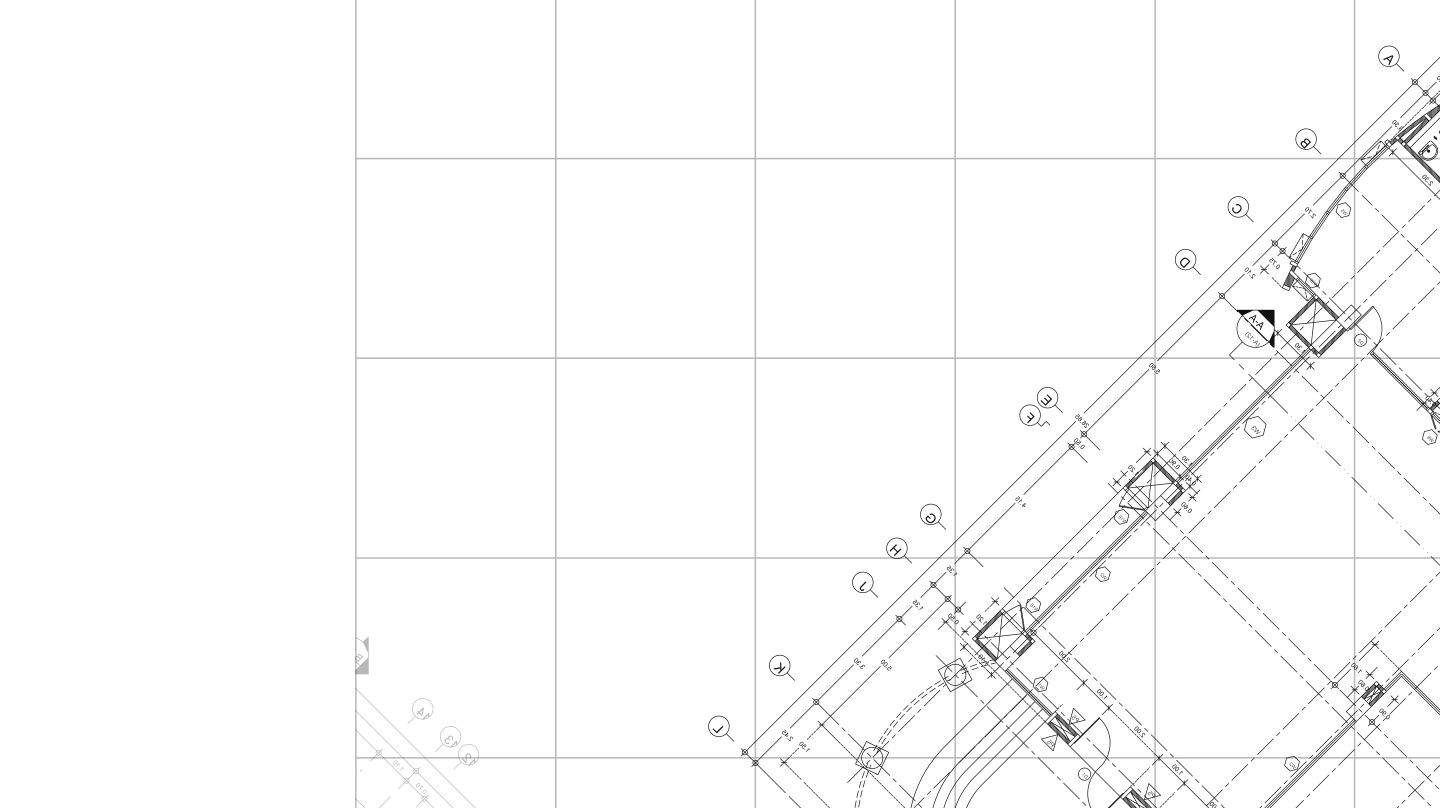
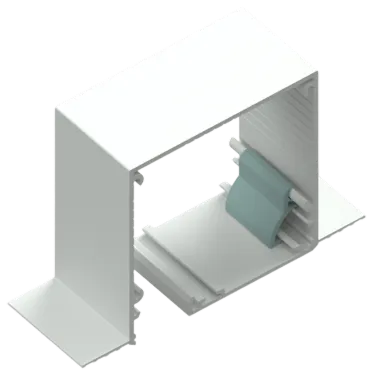
S-Series
For concealed roller shades and blinds.
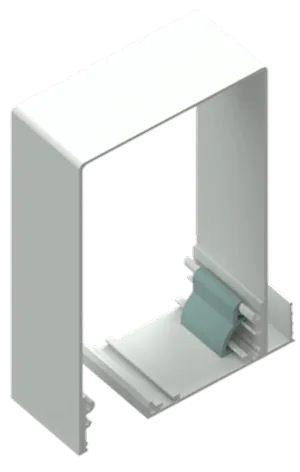
C-Series
For roller shades of all sizes, skylights, and specialty shading.
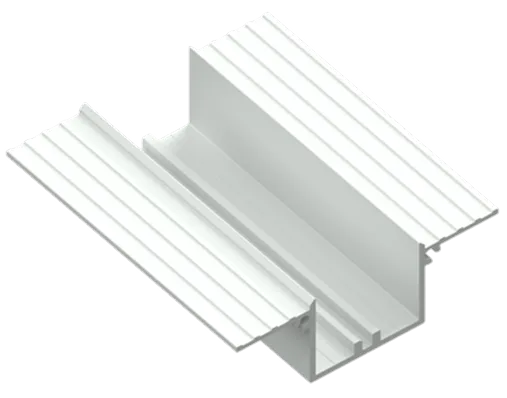
TrackTrim
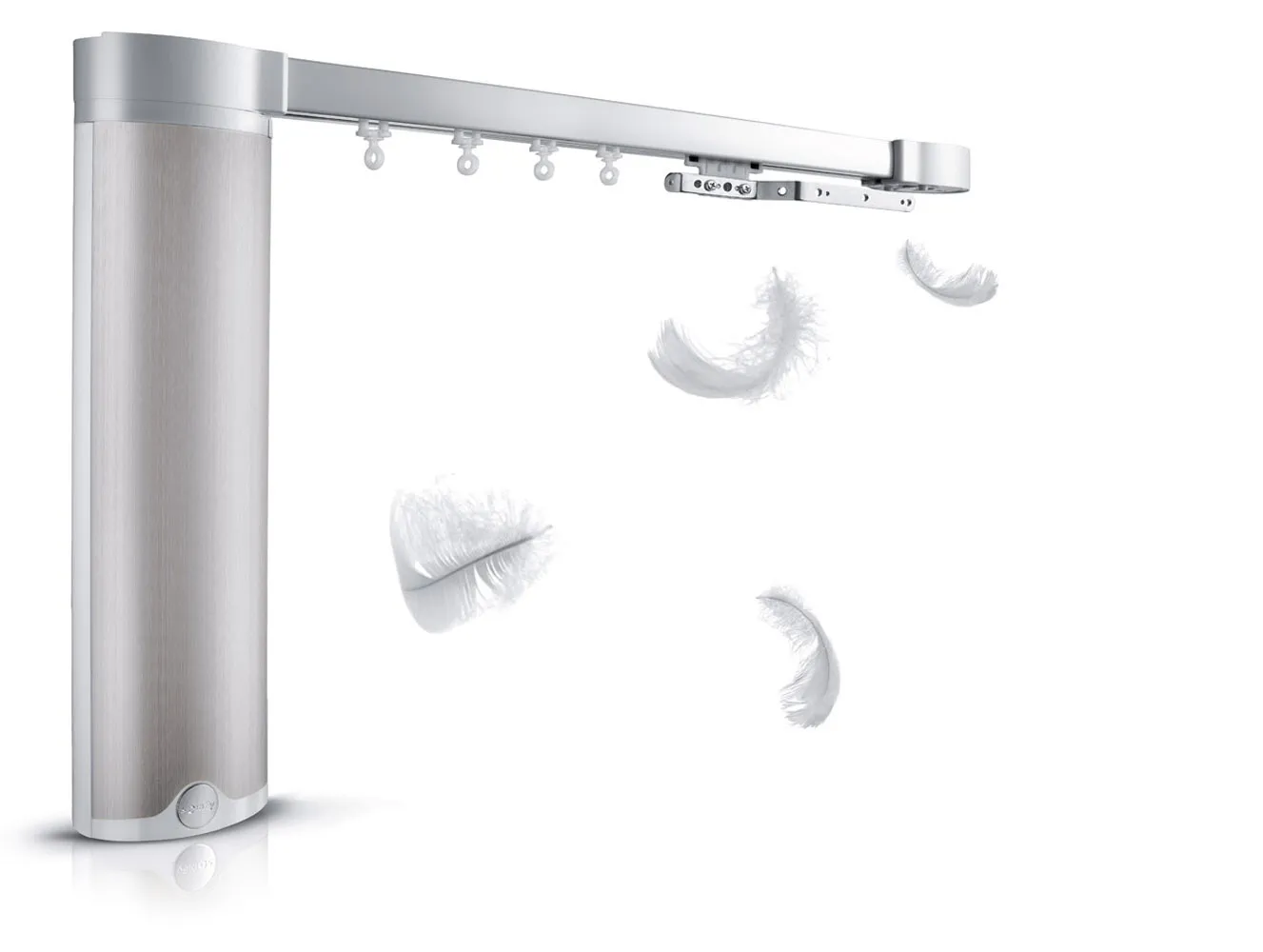
For recessed track, flush with the ceiling, with only a slim linear trim visible.
Each Technical Asset Bundle may contain:
- Product sheets
- Technical drawings
- Other product-family technical resources
- Installation instructions
- Condition-specific drawings
2 Technical Drawings
Find a drawing for your project condition.
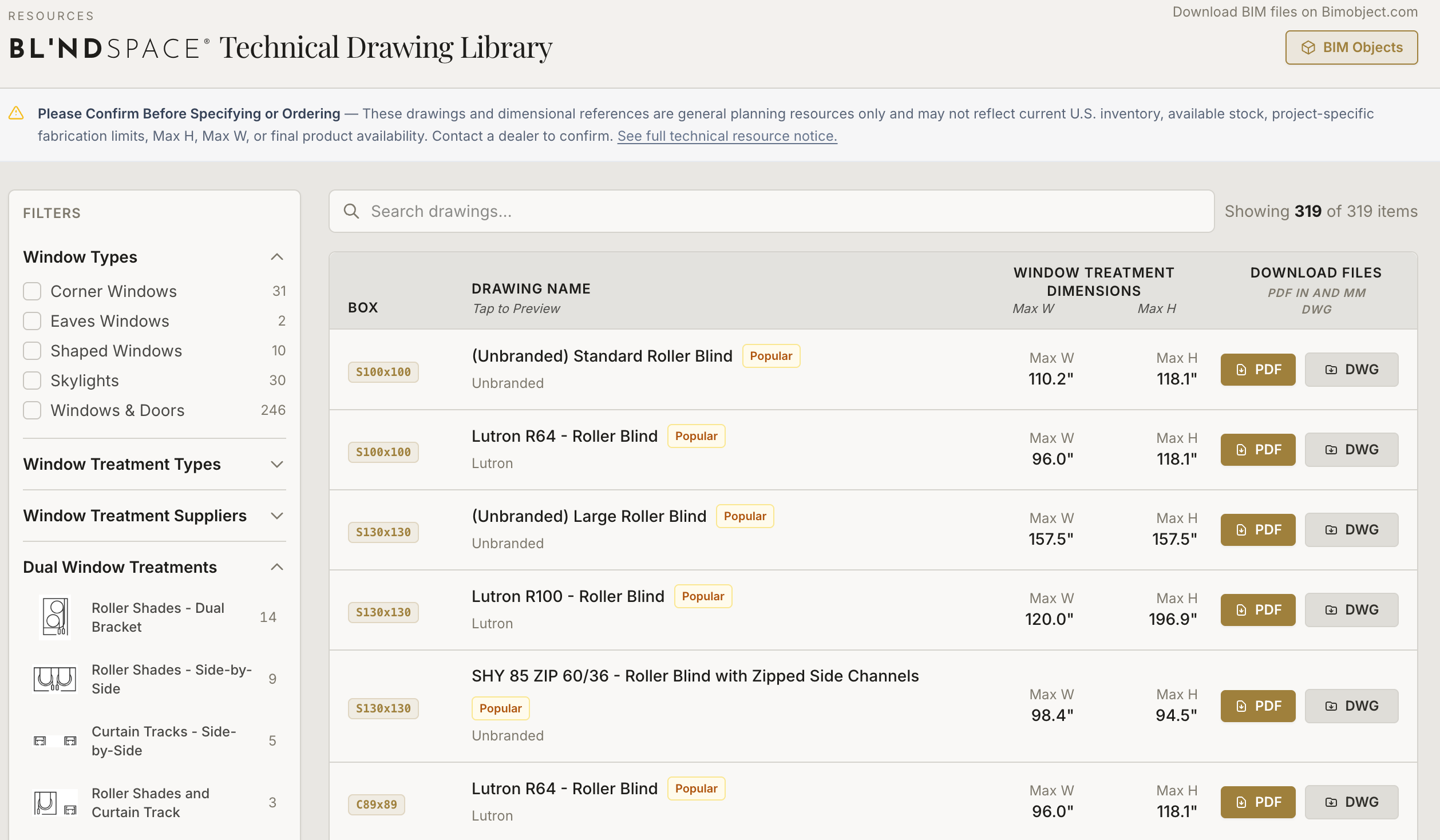
Select your project condition in the Window Modes resource tool to find the Blindspace technical drawing that matches your application.
Each drawing is available to download in PDF and DWG formats, making it easy to review, print, share with your dealer, or incorporate into your project documentation and CAD drawings.
01
Use the filter to describe your window conditions
Filter hundreds of tspcification drawings by window opening type, treatment type, treatment suppliers, and configuration.
02
Find the technical drawing
Find the drawing that matches your condition and share with your design team.
03
Use the configurators below to begin ordering
Configurators with section and 3D drawings of product for your project help you get the order started.
3 Configurators
Configure Blindspace for your project.
Enter your project details into the appropriate product configurator, export your project list, and provide that list to your Window Modes dealer.
01
Enter Details of each item
Configure the applicable dimensions of each pocket or TrackTrim. See a drawing. Press "Add to list."
02
Build item list for your project & export
As you add each item to your list, you build out the order for your poject. Download your line item list in various formats.
03
Send the item list to Dealer, Get a Quote
Provide the completed project item list to your Window Modes dealer for pricing and availability.
S-Series & C-Series
Blindspace Pocket Configurator
Configure C-Series pockets for roller shades of all sizes, skylights, Roman shades, and specialty shading.
TrackTrim
TrackTrim Configurator
Configure recessed TrackTrim drapery track to sit flush with the ceiling line.
Blindspace Pocket Configurator
TrackTrim Configurator
Add Blindspace to your project or product repertoire